05 · Defense & Resilience
Defense & Resilience: Secure Your Accounts, Devices, and Identity
AI makes common cyber threats faster and more convincing. Phishing emails, voice calls, and messages can now look and sound legitimate, with fewer of the old spelling or grammar mistakes. Attackers also use AI to create large volumes of personalized attempts. This page focuses on practical electronic security steps that raise the cost of these attacks and protect the accounts and information that matter most.
Why Electronic Security Needs Extra Attention
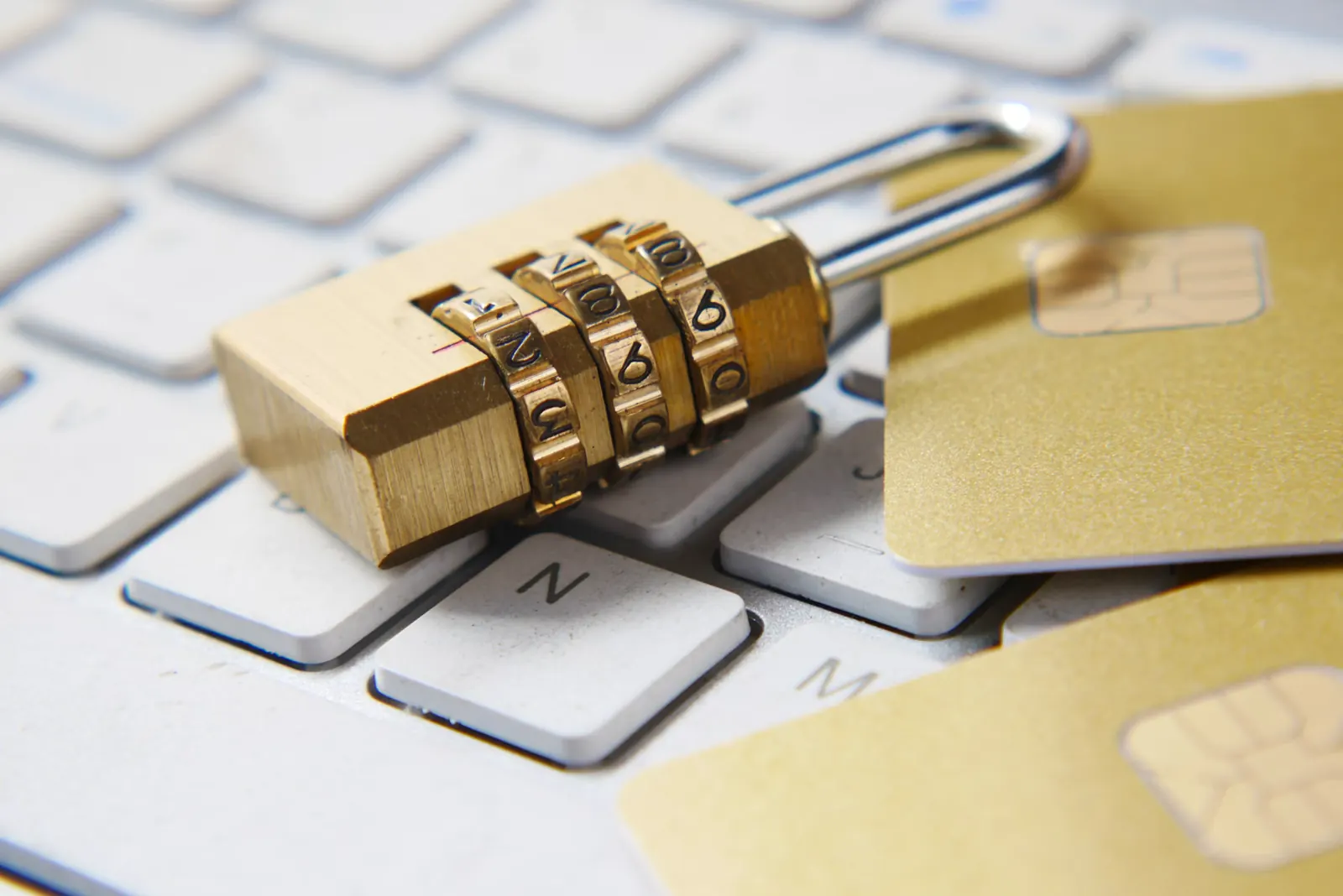
The main risks for most people remain familiar: account takeover, payment fraud, identity theft, and unauthorized access to devices or data. AI does not invent new categories of crime so much as it improves existing ones. Messages are better written. Voice cloning can make a call sound like a family member or coworker. Fake websites and login pages can be generated quickly. The defenses that work are still the fundamentals, applied more consistently because the pressure and volume have increased.
Strong protection does not require specialized technical knowledge. It requires a small set of habits around accounts, payments, devices, and verification.
Secure the Accounts That Control Everything Else
Your primary email is the recovery path for most other accounts. Protect it first.
- Use a long, unique password. A password manager makes this practical.
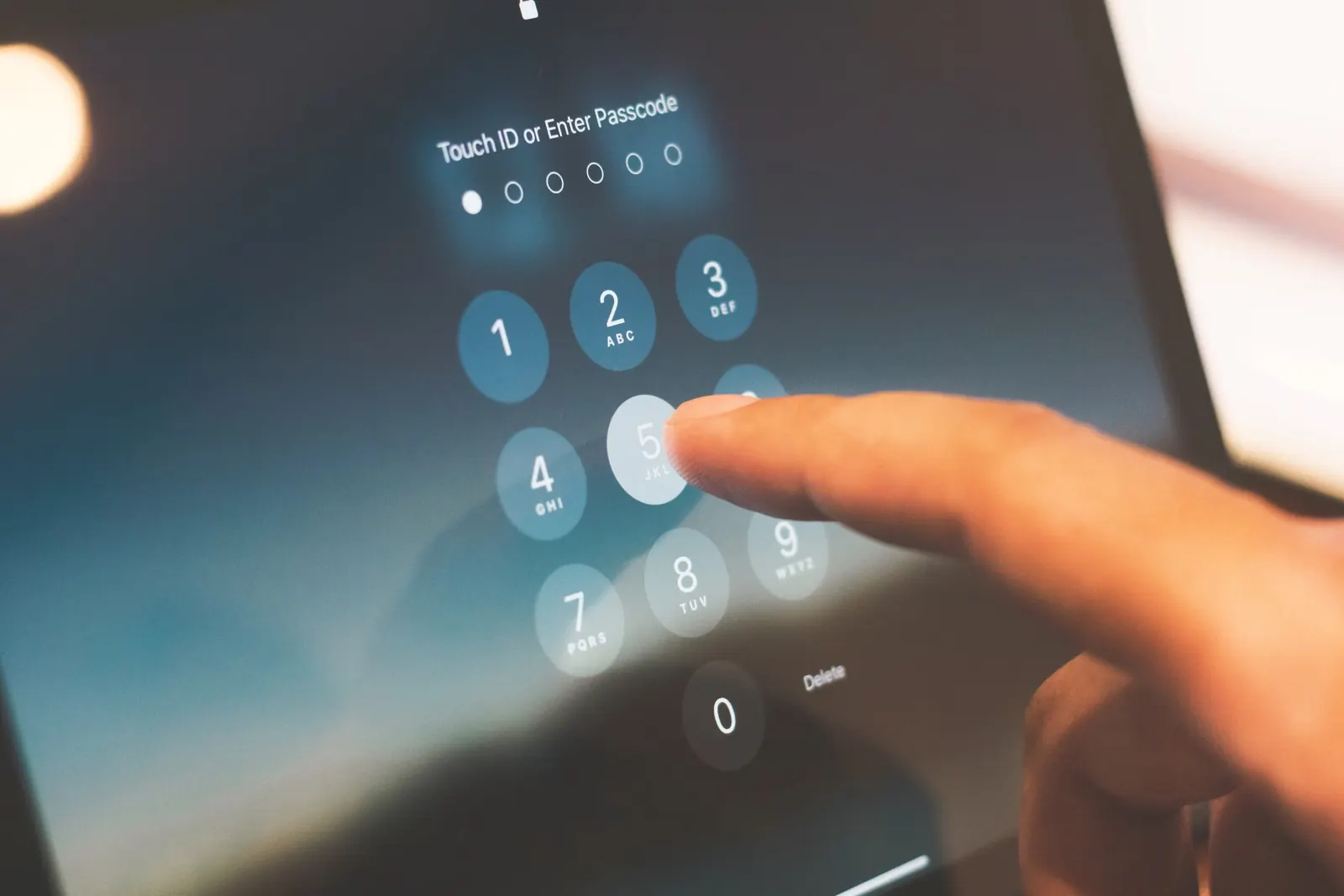
- Turn on multi-factor authentication (MFA). Prefer options that are harder to phish, such as an authenticator app or passkeys, over SMS when available.
- Review recovery email addresses, phone numbers, and recent sign-ins. Remove anything outdated or unrecognized.
- Check which devices are signed in and sign out of ones you do not recognize.
Apply the same steps to banking, payment, and any account that can move money or access personal data. When an unexpected message or call asks you to click a link, change a password, or approve a transfer, do not use the contact information in that message. Go to the service through a method you already trust (official app, bookmarked site, or number you saved earlier).
Protect Payment Methods and Credit
AI-enabled scams often try to create urgency so you send money or approve a charge before you verify.

- Monitor bank and credit card accounts regularly for unfamiliar charges. Many banks offer instant alerts for transactions.
- Consider freezing your credit with the major bureaus. This blocks new credit applications in your name until you temporarily unfreeze it. It does not affect your existing accounts or credit score.
- Be cautious of any request for immediate payment via wire, gift cards, cryptocurrency, or payment apps from an unexpected contact. Legitimate organizations usually allow time and offer standard payment methods.
- For family members, a private code word can help confirm identity on urgent calls. Voice cloning requires only a short audio sample, which can come from public videos or voicemails.
Keep Devices and Software Updated
Outdated software is a common way attackers gain access. Updates often include fixes for known vulnerabilities.

- Enable automatic updates on phones, computers, and tablets when the option is reliable.
- Keep browsers and frequently used apps current.
- Remove apps you no longer use, especially those with broad permissions.
- Use the built-in security features of your operating system (screen lock, biometric login, device encryption where available).
- Be selective about public Wi-Fi for sensitive tasks. A VPN can add a layer of protection on untrusted networks, though it is not a complete solution by itself.
Limit What Is Exposed
The less sensitive information that is easy to find or reuse, the harder common attacks become.

- Avoid posting long audio or video clips that could be used for voice cloning if you want to reduce that risk.
- Do not share Social Security numbers, full account numbers, or passwords in email, text, or AI chats.
- Review privacy settings on social accounts and limit who can see personal details.
- When using AI tools, do not paste recovery codes, passwords, or highly sensitive personal or financial information.
These steps are not one-time fixes. They are ongoing practices: keeping accounts locked down, monitoring payments, updating devices, and verifying before acting. As AI makes individual attempts more convincing, the value of these consistent electronic security habits increases. They protect the systems that hold your money, identity, and access without requiring constant technical expertise.